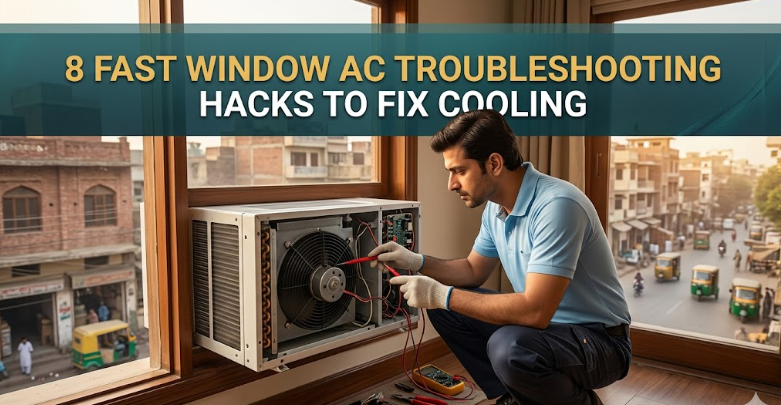
8 Fast Window AC Troubleshooting Hacks to Fix Cooling
When a window air conditioner stops cooling properly, it doesn’t always mean something serious is broken. In many cases, the issue is simple—dust, poor airflow, wrong settings, or minor maintenance problems. The good news is that most cooling issues can be fixed at home without calling a technician.
This guide walks through 8 fast troubleshooting hacks that actually work when your window AC is not cooling properly.
Hack 1: Check the thermostat settings first (you’d be surprised how often this is the issue)
Before opening panels or checking filters, confirm the thermostat settings. Many cooling complaints come from incorrect settings rather than mechanical failure.
Make sure:
- The mode is set to “Cool” and not “Fan” or “Dry”
- The temperature is set lower than room temperature
- The fan speed is not accidentally on low if you need fast cooling
A common mistake is setting the AC to a comfortable temperature like 26–28°C but expecting instant cooling in extreme heat. Try lowering it to 22–24°C for testing.
Sometimes, the fix is literally just adjusting a dial or remote setting.
Hack 2: Clean or replace the air filter immediately
A clogged filter is one of the top reasons a window AC stops cooling efficiently. When dust builds up, airflow is restricted, and the AC struggles to pull warm air inside.
Steps:
- Turn off and unplug the AC
- Remove the front panel
- Take out the filter
- Wash it with water and mild soap
- Let it dry completely before reinstalling
If the filter is too damaged or extremely old, replace it instead of cleaning.
A clean filter alone can improve cooling by a noticeable margin almost instantly.
Hack 3: Inspect the front vents and back exhaust for blockage
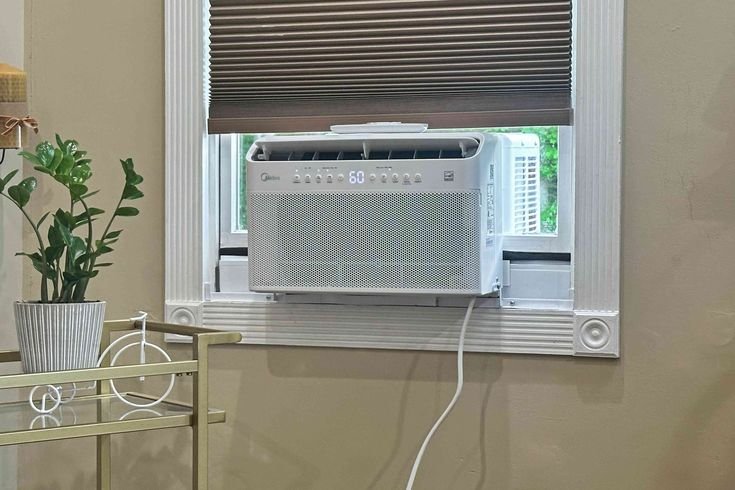
Window AC units need proper airflow on both sides. The front brings in warm room air, and the back releases heat outside. If either side is blocked, cooling drops significantly.
Check for:
- Curtains covering the front intake
- Furniture too close to the unit
- Dust blocking rear coils
- Outside obstruction (wall, grill, or debris)
Even a small blockage can trap heat and reduce cooling efficiency.
Keep at least 1–2 feet of clearance around the back side whenever possible.
Hack 4: Clean the evaporator and condenser coils
Over time, coils collect dirt, grease, and dust. This reduces the AC’s ability to transfer heat effectively.
Quick cleaning method:
- Unplug the unit
- Open the front cover
- Use a soft brush or vacuum cleaner on visible coils
- For deeper cleaning, use coil cleaner spray (available in hardware stores)
Dirty coils force the AC to work harder and cool less effectively.
If your AC hasn’t been cleaned in months, this step alone can restore significant cooling performance.
Hack 5: Check for ice formation inside the unit
If your AC is running but blowing weak or warm air, ice buildup could be the cause. This happens when airflow is restricted or refrigerant pressure is low.
Signs of icing:
- Weak airflow
- Frost on coils
- Water dripping after shutdown
Fix:
- Turn off AC for 2–3 hours
- Let ice fully melt
- Clean air filter
- Restart on medium fan speed
If ice returns repeatedly, it may indicate a deeper issue like low gas or dirty coils.
Hack 6: Seal air leaks around the window frame
Cool air escaping and hot air entering can make your AC feel like it’s not working properly, even when it is.
Check for gaps:
- Around the AC frame
- Between window panels
- Side openings
Simple fixes:
- Use foam insulation strips
- Apply weather sealing tape
- Cover gaps with thick cardboard or plastic sheets temporarily
Better sealing means faster cooling and less power consumption.
Many people ignore this step, but it has a huge impact on performance.
Hack 7: Make sure the compressor is actually working
The compressor is the heart of the AC. If it’s not running, cooling won’t happen at all.
What to listen for:
- A steady humming sound when AC starts
- Slight vibration from the outdoor side of unit
If you hear only the fan but no compressor sound, possible causes include:
- Faulty capacitor
- Electrical issue
- Overheating protection shutdown
In this case, basic troubleshooting may not be enough, and a technician might be required.
Hack 8: Reduce heat load in the room for faster cooling
Sometimes the AC is fine, but the room is too hot for it to handle efficiently.
Simple fixes:
- Close all doors and windows
- Avoid using heat-producing appliances (iron, stove, oven)
- Draw curtains to block sunlight
- Use a fan to circulate cool air evenly
Reducing heat load allows the AC to cool the room faster and maintain temperature easily.
This hack is especially useful during peak summer afternoons.
Extra tip: Run AC in cycles, not nonstop
Running a window AC continuously at maximum load can reduce efficiency. Instead:
- Let it cool the room
- Switch to fan mode occasionally
- Adjust temperature after initial cooling
This helps maintain performance and reduces stress on components.
Conclusion
Most window AC cooling problems are not serious faults—they are usually airflow issues, dust buildup, sealing gaps, or incorrect settings. By applying these 8 fast troubleshooting hacks, you can often restore cooling performance within minutes to a few hours without expensive repairs.
Regular cleaning and proper usage habits are the real long-term solution to keeping your window AC running efficiently.
FAQs
Q1: Why is my window AC running but not cooling?
Most commonly due to dirty filters, blocked airflow, incorrect settings, or ice buildup on coils.
Q2: How often should I clean my window AC filter?
Every 2–4 weeks during heavy use, especially in summer.
Q3: Can low refrigerant cause poor cooling?
Yes. Low gas levels reduce cooling efficiency and require professional servicing.
Q4: Why does my AC cool better at night than during the day?
Because outdoor temperatures are lower and heat load in the room is reduced.
Q5: What temperature is best for efficient cooling?
Around 24–26°C balances comfort and energy efficiency.
Q6: When should I call a technician?
If the compressor isn’t working, ice keeps returning, or cooling remains weak after basic cleaning.