Meta Description: Window AC cleaning & maintenance guide: Discover 5 smart checks you can do yourself before spending money on a technician. Save time, money, and stay cool.
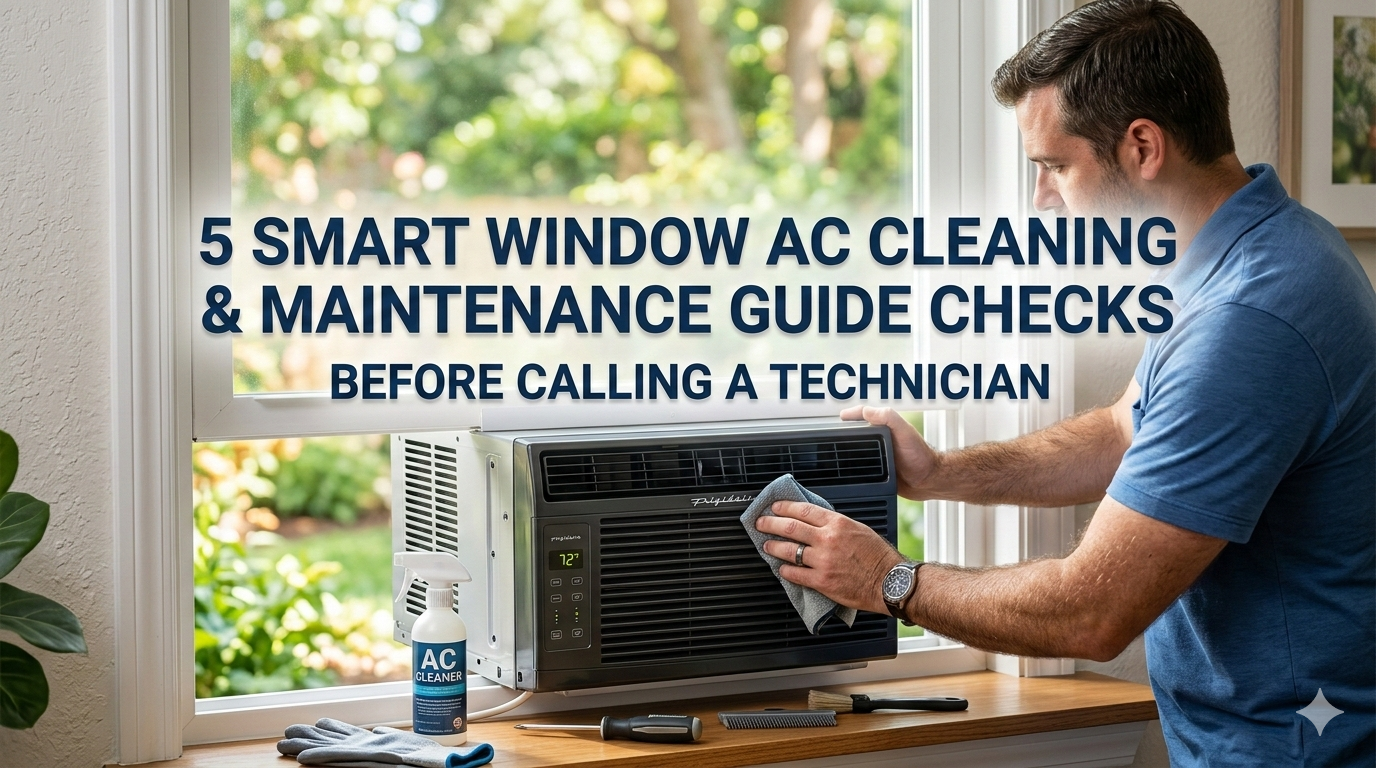
5 Smart Window AC Cleaning & Maintenance Guide Checks Before Calling a Technician
Is your window AC unit blowing warm air? Making strange noises? Not cooling the room as it once did?
Before you pick up the phone and call a technician, hold on.
If you’re handy, there’s a good likelihood that you can solve the issue yourself — in less than an hour and without special tools. Most window AC problems are basically dirt, dust, and a little neglect. And nearly all are 100% fixable at home.
This window AC cleaning & maintenance guide details the 5 smart checks every homeowner must do first. These are exactly what a technician checks when they arrive — just without paying a service fee to do it.
Let’s get into it.
Why Window ACs Fail (And Why It’s Usually Not What You Think)
Most homeowners assume their air conditioning went out because something costly inside it broke. A failed compressor. A refrigerant leak. A blown motor.
But here’s the truth: The most common reason window ACs underperform is a lack of maintenance.
Dust clogs the filter. Coils get coated in grime. Drainage gets blocked. These aren’t mechanical failures — they’re maintenance failures. And they’re completely preventable.
A well-maintained window AC can last 10 to 15 years. One that gets ignored? It may have a hard time making it through its third summer.
The good news is that the repairs are straightforward, inexpensive, and oddly satisfying to do yourself.
What You’ll Need Before Getting Started
You don’t need a toolbox stuffed with pricey gear. Here is a simple list to have prepared:
| Item | Purpose |
|---|---|
| Screwdriver (flat & Phillips) | Remove panels and grilles |
| Soft brush or old toothbrush | Gently scrub fins and coils |
| Vacuum with brush attachment | Remove dust from filter and coils |
| Mild dish soap | Clean the filter and casing |
| Warm water | Rinse components |
| Fin comb (optional) | Straighten bent coil fins |
| Dry cloth or towel | Wipe down surfaces |
| Flashlight | See inside dark spaces |
| Gloves | Protect hands from sharp edges |
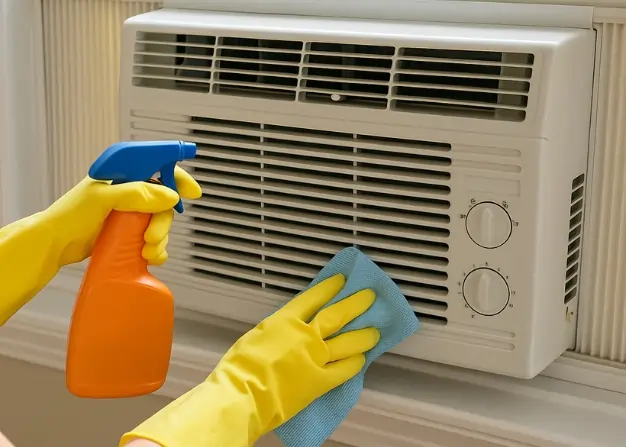
Safety first: Prior to any cleaning or maintenance, unplug the AC unit. Never service a unit that’s still powered.
Check #1 — The Air Filter (The #1 Cause of Weak Airflow)
If your window AC is blowing little more than a breath, the filter is the first thing to check. This is the most frequent — and most overlooked — maintenance step.
What the Filter Actually Does
The air filter is located just behind the front grille of your AC. Its job is to catch dust, pet hair, pollen, and other particles before they’re sucked into the unit.
When the filter becomes obstructed, air cannot pass through correctly. The AC works harder. It cools less. Your electricity bill goes up. And if you wait too long, the evaporator coils can literally freeze solid.
How to Inspect and Clean Your Filter
Step 1: Power down and unplug the unit.
Step 2: Remove the front grille. On most window ACs, this either snaps off or is held by two small screws.
Step 3: Slide out the filter. It usually lifts straight out.
Step 4: Hold it up to a light source. If you literally can’t see through it, it’s clearly time to clean it.
Step 5: Head outside and shake it gently to dislodge any loose dust.
Step 6: Rinse it under warm water. If greasy or heavily soiled, add a few drops of mild dish soap.
Step 7: Allow it to air dry thoroughly — at least 30 minutes. Do not place a wet filter back into the unit.
Step 8: Reinstall and test.
How Often Do You Need to Clean It?
| Usage Level | Cleaning Frequency |
|---|---|
| Light use (a few hours/day) | Every 3–4 weeks |
| Moderate use (6–8 hours/day) | Every 2 weeks |
| Heavy use (all day, every day) | Weekly |
| Pets in the home | Weekly or more |
Most manufacturers recommend cleaning it at least once a month during peak cooling season. Get it on your calendar — it takes less than 10 minutes but makes an enormous difference.
Check #2 — The Evaporator and Condenser Coils (This Is Where the Cooling Happens)
If cleaning the filter didn’t fix your problem, it’s time to look at the coils.
What Are Coils and Why Do They Matter?
Your window AC has two sets of coils:
- Evaporator coils — located on the inside (room-facing side). These absorb heat from the air in your room.
- Condenser coils — located on the outside. These release that heat into the outdoors.
Both have to be clean for them to do their job. When they’re fouled with dust and grime, heat transfer becomes inefficient. The result? Warm air, higher energy bills, and added stress on the compressor.
Signs Your Coils Need Cleaning
- The unit is running constantly but the room stays warm
- Ice forming on the indoor coil
- The outside of the unit feels extremely hot
- Dust or debris visible on the coil fins
How to Clean the Coils
For the evaporator coil (inside):
Open the front panel to get access. Carefully clean the fins with a soft brush or vacuum with a brush attachment. Work top to bottom. The fins are thin and bend easily, so be careful.
You can also use a no-rinse coil cleaner spray — found at most hardware stores. Just spray it on, let it foam and drip into the drain pan, and you’re done. No rinsing needed.
For the condenser coil (outside):
This requires either removing the unit from the window or working from outside. Use the same technique — soft brush, vacuum, or coil cleaner spray. If there’s a buildup of leaves, bugs, or debris packed tightly into the fins, carefully remove them by hand first.
What Are Coil Fins?
The thin metal strips on the coil are called fins. They provide increased surface area to promote heat transfer. When they get bent, airflow slows down.
Use a fin comb (typically $5–$10) to carefully straighten any bent fins. Run it through the fins the same way you’d comb hair — gently and in one direction.
Check #3 — The Drainage System (Water Damage Is Your Penalty for Ignoring This)
Water leaking into your home is one of the most frightening things a window AC can do. But before you panic, here’s the thing: it’s almost always a drainage problem.
How Drainage Works in a Window AC
As your AC cools the air, it pulls moisture out of it. This moisture condenses on the evaporator coils and drips into a drain pan at the bottom of the unit.
From there, it’s meant to drain to the outside. On some units, a small “slinger ring” on the fan actually scoops up that water and tosses it against the condenser coil to help cool it — then it evaporates outside.
When drainage becomes blocked, water backs up, overflows, and drips into your room.
How to Inspect and Clear the Drain
Step 1: Unplug the unit and gently tilt it slightly backward. That’s actually the correct installation position — a slight backward tilt helps water drain outside naturally.
Step 2: Look for the drain hole at the bottom rear of the unit. It is typically a narrow opening or slot.
Step 3: Check if algae, mold, or debris are blocking it. This is common in humid climates.
Step 4: Use a thin brush, a pipe cleaner, or even a straightened paperclip to clear the blockage.
Step 5: Pour a small cup of water into the drain pan and observe if it drains properly.
Step 6: Wipe out the drain pan itself with a mild bleach solution (1 tablespoon of bleach per 1 cup of water) to kill any mold and algae growth.
Preventing Future Clogs
Once a month, add a few drops of bleach to the drain pan. This prevents algae and mold from growing and clogging the drain. It takes about 10 seconds and saves a ton of headaches.
Check #4 — The Fan Blades and Motor (Strange Noises Almost Always Start Here)
Is your AC rattling, grinding, or squealing? Don’t assume the worst. Most of the time, the fan is the culprit.
Why Fan Maintenance Matters
The fan in your window AC has a dual role:
- It draws warm room air across the evaporator coil (indoor fan)
- It pushes heat out through the condenser coil (outdoor fan)
In most window AC units, a single motor with a double-shaft drives both fans together.
Over time, dust gathers on the fan blades, causing them to become unbalanced. An unbalanced fan vibrates. That vibration creates noise and adds extra stress to the motor bearings.
How to Inspect and Clean the Fan
Step 1: Unplug the unit and remove the outer casing. This typically means unscrewing a number of screws around the perimeter.
Step 2: Locate the fan blades. They resemble a squirrel cage (cylindrical with lots of thin blades) on the indoor side and a propeller on the outdoor side.
Step 3: Check for dust buildup, particularly on the squirrel cage blades. Dust tends to pack tightly between each blade.
Step 4: Use a soft brush or vacuum to clean each blade. A damp cloth works well for wiping individual blades.
Step 5: Spin the fan by hand. It should spin smoothly and freely. If it’s stiff or grinds, the motor bearings may be worn.
Step 6: Inspect for any debris — a leaf, a piece of plastic, anything — that may be caught in the fan. Even a tiny object can cause a loud rattling sound.
Fan Noise Diagnosis Chart
| Noise Type | Probable Cause | DIY Fix? |
|---|---|---|
| Rattling | Loose part or debris | Yes |
| Grinding | Worn motor bearings | Sometimes |
| Squealing | Dry bearings | Add lubricant |
| Clicking | Object hitting blades | Yes |
| Humming (loud) | Motor struggling | Check filter/coils first |
Pro tip: If the fan motor has oil ports (small rubber plugs on the motor housing), add 2–3 drops of electric motor oil once a year. This keeps the bearings well-lubricated and greatly extends motor life.
Check #5 — The Thermostat, Settings & Electrical Connections (The Easiest Fix Gets Forgotten)
Sometimes the problem has nothing to do with dirt or mechanical parts. It’s a setting. Or a loose wire. Or a thermostat that’s simply out of calibration.
This is the fastest check but also the most frequently skipped.
Start With the Basics
Before assuming anything is wrong mechanically, run through this quick checklist:
- Is the unit set to COOL mode, not FAN ONLY?
- Is the temperature set lower than the current room temperature?
- Is the thermostat dial turned all the way up, or is it set to a mid-range?
- Is the mode selector switch functioning properly when you turn it?
It sounds obvious, but technicians regularly find units stuck in “fan only” mode.
Check the Thermostat
The thermostat in a window AC controls when the compressor turns on. If it’s defective or out of calibration, the compressor might not kick on even when the room is warm.
Simple test: Turn the thermostat down to its coldest setting. You should hear the compressor kick on within a minute or two — it sounds like a low hum or a gentle thud. If you hear the fan running but not the compressor, the thermostat may not be sending the signal.
A replacement thermostat for a window AC typically costs $10–$25 and can be replaced using basic tools.
Electrical Connection Check
With the unit unplugged:
Step 1: Remove the control panel cover.
Step 2: Inspect any wires for signs of burning, fraying, or disconnection.
Step 3: Ensure that all wire connectors are seated properly.
Step 4: Locate the capacitor (a small cylindrical component). If it’s bulging or leaking, it needs to be replaced.
Important: If there are visible burn marks, melted plastic, or a burnt smell — stop. That’s a job for a professional.
Check the Power Source
Sometimes the unit itself isn’t the problem — it’s the outlet or circuit it’s connected to.
- Test the outlet with another device
- Check your breaker box for a tripped circuit
- Inspect the AC plug’s prongs for bending or corrosion
- If the unit has a built-in reset button (usually a small red button on the plug), press it
When to Actually Call a Technician
After completing all five checks, most window ACs will be back to working normally. But there are situations where a professional is the right call.
Call a technician if:
- The unit turns on but blows warm air and the coils are clean — this could point to a refrigerant leak
- You hear loud banging or clunking from the compressor
- There are visible burn marks or electrical damage inside the unit
- The unit trips the circuit breaker every time it runs
- Ice continues to form even after cleaning the filter and coils
- The unit is more than 12–15 years old and losing efficiency significantly
Refrigerant handling, for example, legally requires a licensed technician in most countries. It’s not a DIY job. For a deeper dive into what’s safe to do yourself versus what requires a pro, the U.S. Department of Energy’s home cooling guide is a reliable reference.
Seasonal Maintenance Schedule to Keep Your AC Running Strong
| Task | Spring (Before Season) | Monthly | End of Season |
|---|---|---|---|
| Clean/replace filter | ✅ | ✅ | ✅ |
| Clean evaporator coil | ✅ | — | ✅ |
| Clean condenser coil | ✅ | — | ✅ |
| Check and clear drain | ✅ | ✅ | ✅ |
| Clean fan blades | ✅ | — | ✅ |
| Lubricate fan motor | ✅ | — | — |
| Check thermostat | ✅ | — | — |
| Check electrical connections | ✅ | — | — |
| Cover or store unit | — | — | ✅ |
How Much Money Can DIY Maintenance Actually Save You?
Let’s put some numbers on it.
| Service | Professional Cost | DIY Cost |
|---|---|---|
| Filter cleaning | $50–$80 (service call) | $0 |
| Coil cleaning | $75–$150 | $10–$20 (spray) |
| Drain clearing | $60–$100 | $0–$5 |
| Fan blade cleaning | $75–$125 | $0 |
| Basic thermostat check | $50–$100 | $0 |
| Total potential savings | $310–$555 | $10–$25 |
That’s a significant difference for work that takes about 45 minutes at home. For more tips, tricks, and step-by-step guides on keeping your unit in top shape all year long, visit Window AC Maintenance — a dedicated resource for window AC owners who prefer to handle things themselves.
FAQs — Window AC Cleaning & Maintenance Guide
Q: How often should I clean my window AC filter? At least once a month during the cooling season. If you have pets or allergies, clean it every 1–2 weeks for the best airflow and air quality.
Q: Can I use a pressure washer to clean the coils? No. The fins on the coils are incredibly thin and will bend under high water pressure. Use a gentle spray from a garden hose or a dedicated coil cleaner spray.
Q: My AC keeps freezing up — what does that mean? Ice on the evaporator coil usually means restricted airflow (dirty filter) or low refrigerant. Start by cleaning the filter. If the problem persists, contact a technician to inspect refrigerant levels.
Q: Is it safe to run my window AC without the filter? Never. Without the filter, dust and debris go straight into the coils and fan. This leads to accelerated buildup, reduced efficiency, and unit damage in short order.
Q: How do I know if my AC needs refrigerant? Signs include: warm air even when running on full cool, ice on the coils, hissing or bubbling sounds, and the unit running constantly without cooling effectively. Refrigerant issues require a licensed technician.
Q: Should I cover my window AC in winter? Yes. Either remove and store it indoors, or cover it with a weatherproof cover to protect it from snow, ice, and debris. Leaving it uncovered can damage the coils and let cold drafts into your home.
Q: Why does my AC smell musty? Musty odors come from mold or mildew growing in the drain pan, on the coils, or on the filter. Clean all three with a mild bleach solution and ensure proper drainage.
Q: Can I wash the filter in the dishwasher? It’s not recommended. The heat can warp some filters. Stick to gentle hand washing with warm water and mild soap.
Conclusion — No Need to Pay If You Can Do It Yourself
A window AC that’s not cooling well doesn’t always require a technician. It usually needs attention.
This window AC cleaning & maintenance guide shares five solid checks to run through before making that call. Clean the filter. Clean the coils. Clear the drain. Check the fan. Check the settings and electrical connections.
Each step builds on the last. And together, they cover the vast majority of problems that window ACs experience.
The whole process takes under an hour. The cost is almost nothing. And the satisfaction of fixing it yourself? That part’s free.
Keep this guide close at hand, go through these checks at the start of every cooling season, and your window AC will reward you with years of reliable, efficient cooling.